
Optimizing DTF Printer Settings for Smooth Ink Flow and Crisp Prints
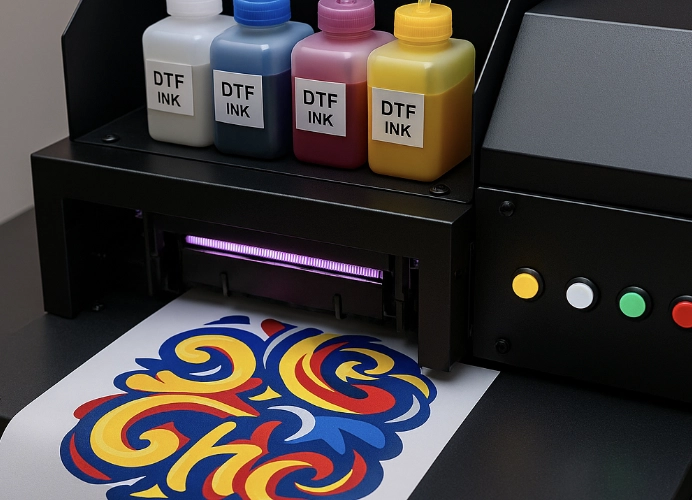
DTF T-Shirt Printing: Achieving High-Quality Prints
DTF (Direct to Film) printing technology is rapidly gaining popularity in the T-shirt printing industry due to its versatility across various fabric types, including cotton, polyester, and blends, as well as its ability to produce vivid, durable, and detailed prints. However, many encounter issues such as “ink flow problems, dropped prints, and unclear colors,” which are often caused by incorrect printer settings or inconsistent ink maintenance.
This article delves into the detailed setup of DTF printers, covering hardware, software, color management, maintenance, and practical tips to ensure smooth ink flow, clear prints, and consistent quality, reducing dropped prints.
First, Focus on High-Quality Ink and Film
The core of high-quality DTF printing lies in the ink and film used. Using substandard ink can lead to printhead clogging or color distortion. DTF films come in both hot peel (Hot Peel) and cold peel (Cold Peel) varieties, and choosing the right film for the job ensures easy film removal and smooth prints.
Our store offers high-quality films, adhesives, and inks that meet OEKO-TEX standards, ensuring they are safe from harmful chemicals and do not pose health risks.
Understanding the Structure and Function of DTF Printers
DTF printing uses Piezo Electric printheads, such as the Epson i3200 and XP600.
It employs specialized DTF ink, which is different from standard ink.
The process involves printing onto a film, applying adhesive, and then transferring the print to the fabric.
Setting Up the Printer
- Environmental Conditions: Maintain optimal temperature and humidity levels.
- Printhead Settings: Adjust the printhead parameters for smooth ink flow.
- Software Settings: Configure the RIP software for high-quality prints.
Maintenance Tips
- Daily Maintenance: Keep the printhead clean and active.
- Weekly Maintenance: Clean the capping station and perform nozzle checks.
- Monthly Maintenance: Replace dampers and clean the ink lines.
Preventing Dropped Prints
- Avoid mixing ink brands.
- Do not shut down the printer immediately without capping the printhead.
- Use high-quality PET film to ensure ink adhesion.
Testing Before Printing
Before printing large batches, test with small samples to check print quality. This helps in quickly adjusting settings such as color intensity and print clarity, ensuring any issues are resolved promptly.
By understanding and implementing the correct setup procedures, from environmental conditions to printhead and software settings, and maintaining the printer properly, your T-shirt printing business will produce consistently high-quality, clear, and durable prints, enhancing customer satisfaction and extending the printer’s lifespan.
Setting up a DTF printer may seem complex, but following the recommended steps will ensure beautiful, clear, and durable prints. Try these techniques and observe the difference for yourself.
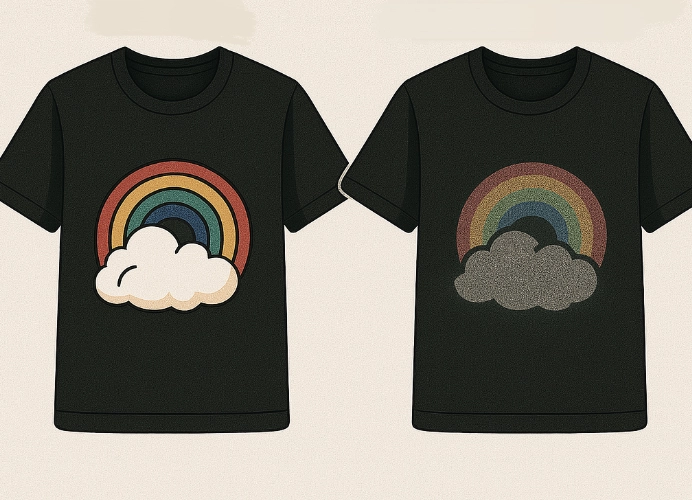

Maintenance Schedule for DTF Printers
| Task | Frequency | Description |
|---|---|---|
| Nozzle Check | Daily | Perform a nozzle check every morning using a test print. |
| Printhead Cleaning | Every 2-3 days | Use the printer’s built-in cleaning function. |
| Flushing | Every 2-3 weeks | Use a flushing solution to clean the ink lines. |
| Damper Replacement | Every 2-3 months | Replace dampers with genuine parts to prevent clogging. |
| Capping Maintenance | Weekly | Clean the capping station with a cleaning solution. |
| Ink Line Cleaning | Every 3-6 months | Clean the ink lines to prevent clogging. |
By following this maintenance schedule, you can ensure your DTF printer operates efficiently and maintains high print quality over time.
Ready to Print Custom DTF with Screen168 Bangkok?
Single pieces to bulk wholesale. Free artwork file check and instant online pricing 24/7.
🚀 View Sizes, Prices & Order Online→