
DTF Printer Ink Clogs: Detailed Causes and Solutions
In an era where Direct-to-Film (DTF) screen printing is highly popular, both stores looking to expand their product lines and projects ranging from small to large orders rely heavily on DTF printers. However, one concern for users, whether new or experienced, is “ink clogging,” which, if not properly managed, can affect the quality of work, increase costs, and may require downtime for repairs. Today, we will delve into the main causes of ink clogging in DTF printers, how to check for it, and provide detailed guidance on prevention and resolution to ensure smooth operations for your store.
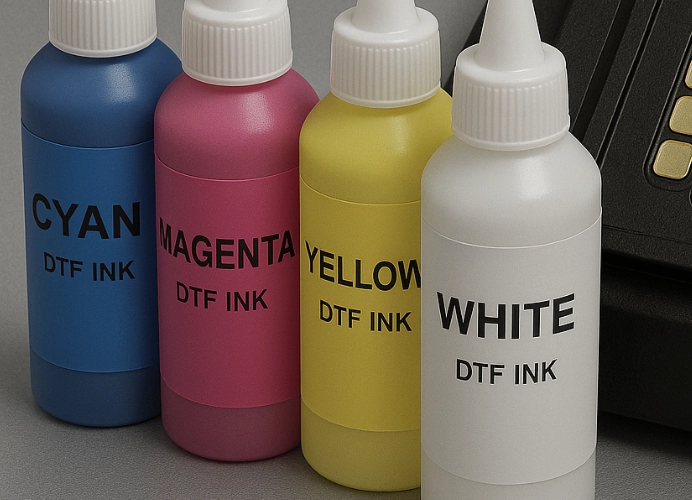
1. Understanding the DTF System and the Source of the Problem
The DTF process involves printing ink onto film, then applying adhesive powder and using a heat press to transfer the ink onto clothing or other fabric, particularly for custom orders, group shirts, family shirts, team shirts, event shirts, etc.
DTF ink, especially white ink, is highly viscous and contains more particles (pigment/plastic/polymer) than standard CMYK ink, making it more prone to clogging.
DTF printers require an appropriate environment (temperature/humidity) and a consistent maintenance system for the printhead and ink. Otherwise, “ink clogging” can occur very quickly.
When the printhead clogs, it can result in missing nozzles, streaky prints, color distortion, reduced clarity, or even printhead damage, which can be very costly to repair.
Therefore, for stores using the DTF system, the key lies in “maintaining smooth ink and printhead flow” and “preventing clogging before it becomes more expensive.”
2. Main Causes of Ink Clogs in DTF Printers
In this section, we will delve into the common causes and explain how each cause can be addressed.
2.1 Low-Quality or Incompatible Ink
Low-quality ink may contain larger particles than specified or impurities that can cause faster clogging of the print head.
Ink that is not compatible with the printer’s print head model (such as DTF ink that is not recommended or supported by the manufacturer) may have inappropriate properties, such as being too viscous, leading to accumulation or clogging when passing through the print head nozzle.
Especially white ink, which has a higher chance of clogging due to its higher content of coating and particles compared to other colors.
2.2 Dried Ink or Long Idle Time
If a DTF printer is left idle for too long or used inconsistently, the print head may retain dried ink, causing the nozzles to close or preventing smooth ink ejection.
Low humidity or excessively high temperatures can cause ink to dry quickly and may result in residue buildup on the print head.
2.3 Dust, Particles, or Air Bubbles
Dust in the printing room can enter the ink system or print head, causing nozzle clogging or inconsistent ink flow.
If air bubbles enter the ink system or ink tubing, even small leaks can disrupt ink flow and lead to clogging.
2.4 Ink System Issues
Clogged or damaged ink filters, pumps, or tubing can prevent ink from flowing correctly to the print head, leading to ink accumulation and clogging.
Print heads or other components such as dampers and capping stations, if not properly maintained, can cause inconsistent ink flow and clogging.
2.5 Unsuitable Environment
Low humidity or excessively high temperatures can cause ink to dry faster and increase the workload on the print head, leading to issues.
A printing room with excessive dust or without static protection can damage the print head or cause ink to clog more quickly.
2.6 Incorrect Usage or Not Following the Manual
Improper print settings, such as printing too fast, setting the print head too high, or using too little ink, can cause ink to dry inside the print head.
Failing to clean the print head regularly, not using the automatic cleaning system, or changing ink too infrequently can lead to accumulation and damage to the print head.
3. Common Symptoms of Clogged Print Heads
Knowing the symptoms in advance can help resolve issues quickly and reduce costs, as follows:
- Broken print lines / white spots (missing nozzles) or incomplete color lines
- Faded or abnormally dull colors, especially non-opaque white
- Changes in ink sound or pressure, or abnormal ink buffer operation
- The printer’s automatic systems, such as nozzle check and cleaning cycle, cannot resolve the issue
- When checking the print head, there is dried or clumped ink residue underneath
- The print head dries out when the printer is idle / problems occur quickly after use
If these symptoms are observed, production should be temporarily halted to check the system and avoid further losses.
4. Detailed Inspection and Troubleshooting Guidelines
This section serves as a “how-to” guide for screen printing shops using DTF systems to professionally address ink clogging issues.
4.1 Initial Inspection
Run a nozzle check or head alignment to identify nozzles that are not dispensing ink.
Check the filter/tubes, ink/pump for any unusual sounds or slow ink flow.
Inspect the ink condition: concentration, sedimentation, and whether white ink has sediment.
Inspect the room conditions: dust, temperature, humidity. If the room is too dry, increase the humidity to around 40-60%.
Check the capping station and print heads for dried ink or residue.
4.2 Troubleshooting Steps for Ink Clogging
Step 1: Use the automatic cleaning cycle of the machine.
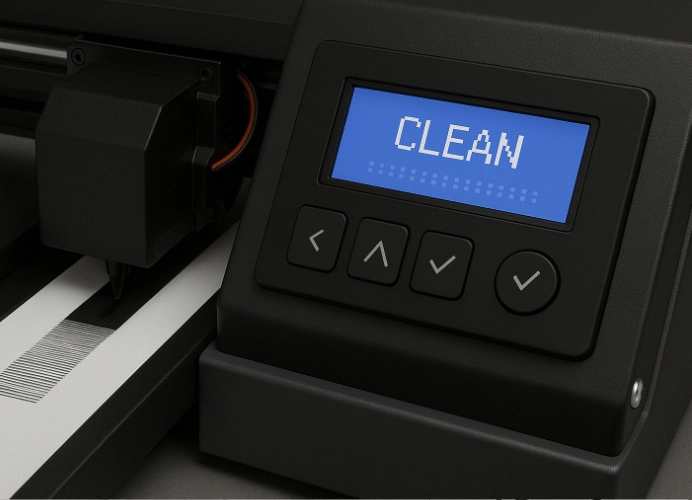
Use the command to clean the head or purge according to the manual.
After running the cycle, print another nozzle check.
If the print head returns to normal, return to regular operation.
Step 2: If the cleaning cycle does not help, perform manual cleaning or soak the print head.
If the issue persists, it may be necessary to replace the print head.
Step 3: Inspect the entire ink system.
Replace the ink filter, and check the damper for sediment, especially in the white ink management system (WIMS).
Inspect the ink lines, pump, and reservoir for air bubbles or abnormal flow.
Check the capping station, wiper, and home position of the print head to ensure they are in good condition.
Step 4: Inspect the environmental and operational conditions.
Maintain room humidity at approximately 40-60% (for DTF) to prevent ink from drying too quickly.
Avoid excessively high temperatures and ensure there is a dust filtration system or adequate ventilation.
Use the printer regularly and avoid long periods of inactivity to prevent ink from drying in the print head.
Schedule regular cleaning of the print head (daily/weekly) and inspect the ink filter/system monthly.
4.3 Long-term Prevention Strategies
Use high-quality ink recommended by experts or the printer manufacturer.
Clean the print head weekly or daily, depending on usage.
Operate the printer daily, or at least print test sets weekly.
Inspect the filter/tubes/pump/white ink system more frequently as these are the most critical points.
Order spare parts (such as dampers, filters, print heads) and budget for regular maintenance.
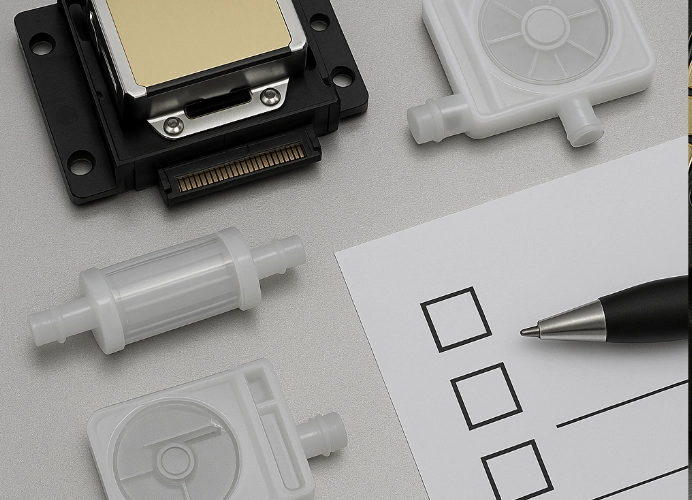
Create a daily checklist or manual for the team, such as checking nozzle prints, inspecting ink, performing cleaning cycles, and checking room humidity.
5. Specific Guidelines for Screen Printing Shops (Practical Application)
For screen printing shops using DTF printers, additional recommendations are provided to enhance ink blockage prevention and maintain better quality control.
- Keep the printing area clean and separate, with dust filtration and temperature-humidity control systems.
- Train staff to understand the risks of printhead blockages, such as infrequent production orders, using non-compatible ink, and long periods of machine downtime.
- Establish a regular machine usage schedule, such as printing test patterns daily or weekly when there is no production work.
- Maintain a log of machine maintenance activities, including dates of cleaning cycles, filter changes, ink lot numbers used, and causes of blockages for review.
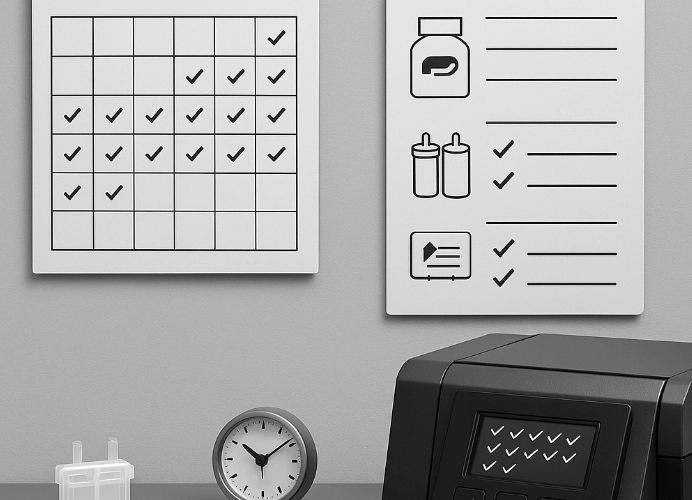
- When initial signs of blockage appear, stop work immediately, investigate, and do not allow multiple production runs before addressing the issue.
- Perform maintenance and replace white ink or parts according to a schedule, such as every 3 to 6 months, to reduce blockage concerns.
6. Case Study from a Screen Printing Shop: Ink Blockage Issues in DTF Shops
Assume shop “A” uses a DTF printer and encounters white line breaks in prints. The causes are as follows:
- Shop A uses non-compatible ink with the printhead and leaves the machine idle for 3 to 4 days, causing some printhead parts to dry out.
- The printing room has very low humidity (about 20-30%), causing the ink to dry faster than usual.
- No regular filter checks and changes for the white ink system, leading to white ink sediment accumulation in the damper and backflow into the printhead.
The result was multiple defective prints, long machine downtime for repairs, and the need to replace the printhead, which is costly.
Shop A then made the following adjustments:
- Switched to ink recommended by the printer manufacturer.
- Set up daily test prints and increased room humidity to around 50%.
- Established a filter change schedule for the white ink system every 3 months and a cleaning cycle weekly.
Result: After 4 months of adjustments, the white line break issue was reduced by over 90%, and there were no emergency printhead replacements.
This case demonstrates the value of “long-term prevention” over “repairing when broken.”
7. Summary and Recommendations for Screen Printing Shops
For screen printing shops that choose to use the DTF system to enhance business opportunities, you should focus on the following points:
Select ink that is compatible and of high quality — not just the cheapest option
Do not let the printer operate inconsistently or remain idle for long periods without maintenance
Regularly check the filter, white ink system, print head, and environmental conditions

Budget for maintenance, not just for purchasing new equipment
Communicate with customers that “we professionally maintain our printers, ensuring high-quality prints” as a selling point
Disciplined maintenance practices will help your shop reduce repair costs, increase reliability, and consistently deliver work to customers
Our shop sells high-quality film, adhesive powder, and ink that has been tested and certified by OEKO-TEX, ensuring that DTF screen printing will be highly effective due to the use of premium materials, leading to repeat business from customers.
Ready to Print Custom DTF with Screen168 Bangkok?
Single pieces to bulk wholesale. Free artwork file check and instant online pricing 24/7.
🚀 View Sizes, Prices & Order Online→