
How to Take Great Photos of DTF Printing for Online Shirt Screen Printing Sales
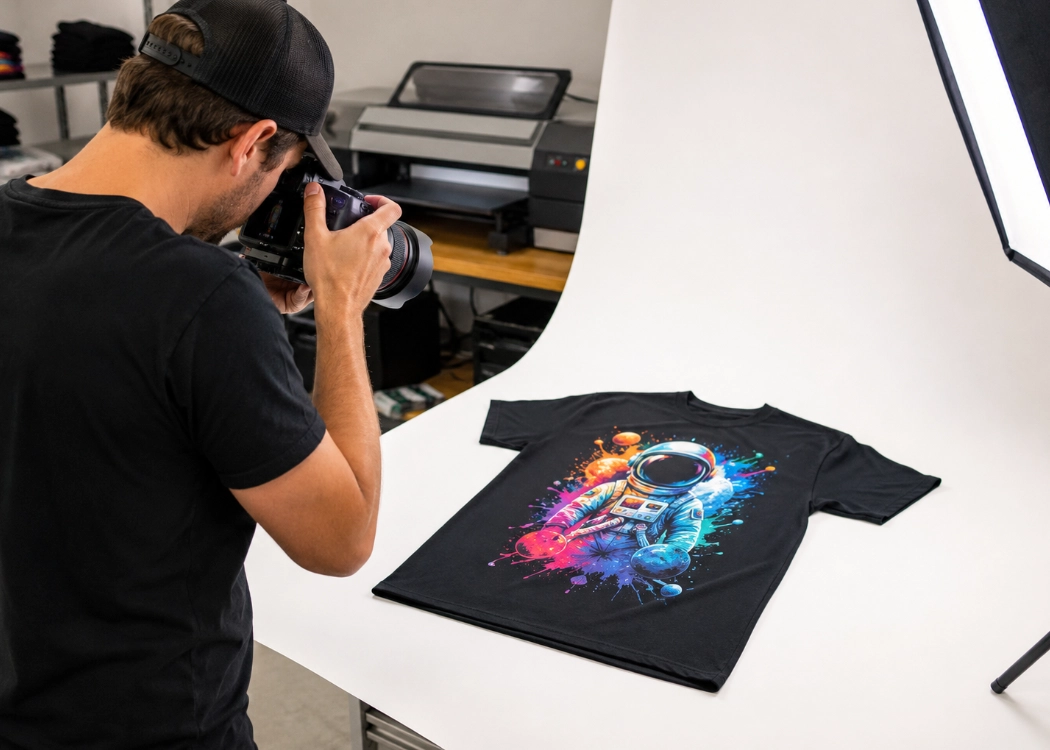
Maximizing Online T-Shirt Printing Sales with Perfect DTF Photography
Online sales of printed t-shirts face a critical limitation: customers cannot touch the fabric, see the true colors, or observe the screen-printing details themselves. Photos become the product representatives, building confidence and directly influencing purchase decisions. Especially for DTF printing, which boasts vibrant colors, sharp details, and the ability to print fine details, improper photography can distort colors, make designs look dull, or make the surface appear different from the actual product.
For DTF t-shirt printing shops looking to sell through websites, Facebook, Instagram, TikTok, or other online channels, the following techniques can help capture images that are as close to the real product as possible.
Choose Soft and Consistent Natural Light
Light is the most crucial factor in photographing DTF prints. Shoot near a window during times of bright but indirect sunlight. Direct sunlight can create harsh shadows, overly bright spots, and obscure details of the design.
The best times for photography are early morning or late afternoon when the light is not too harsh. If light comes from one side, use a white paper or foam board on the other side to reflect light, reduce shadows on the t-shirt, and make the colors of the print more uniform.
Use a Simple Background to Make the Print Stand Out
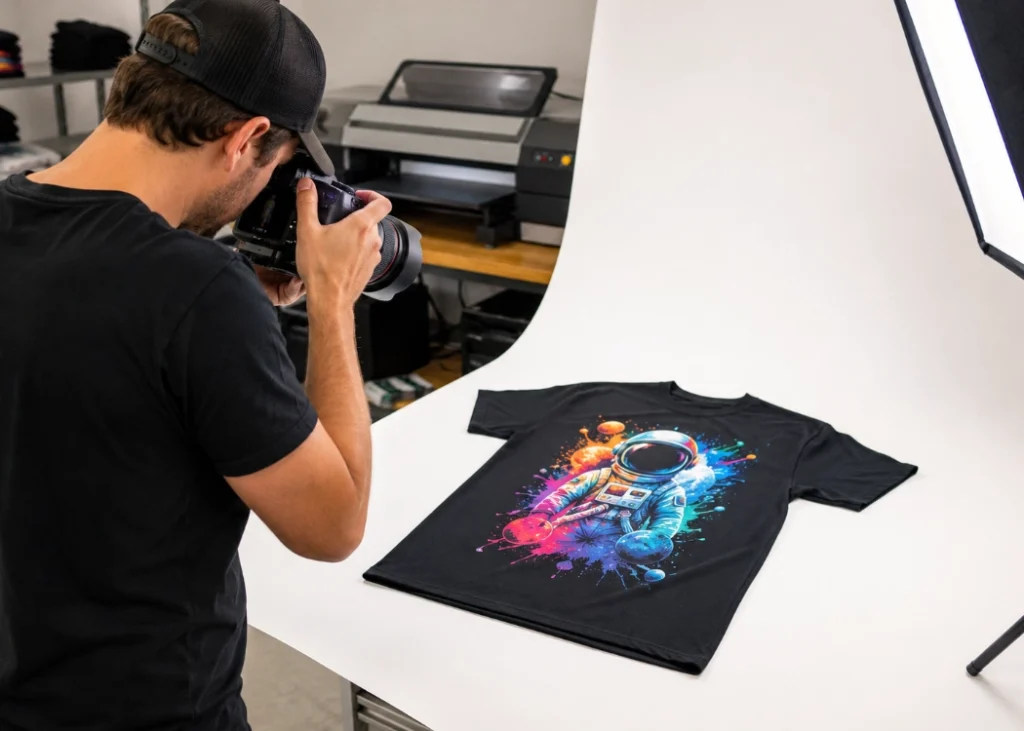
A cluttered background can distract from the product. Choose a simple background such as a white or light gray wall, wooden floor, or neutral-colored table to ensure customers can clearly see the DTF design and the color of the shirt.
If you want to create a brand image, you can add small props like packaging boxes, shop signs, or items related to your customer base, but avoid blocking the screen-printed design or making the image too cluttered.
Iron Out the Shirt Before Taking Photos
Before taking photos, iron out the shirt and arrange it neatly. Wrinkles can make the design look distorted and reduce the credibility of the product. When photographing from above, ensure the sleeves, neckline, and bottom hem are balanced.
You can photograph the shirt laid flat, hung on a hanger, or worn. Flat-lay photos are ideal for showcasing the design clearly, while photos of someone wearing the shirt help customers see the size, position of the design, and the overall look when worn.
Take Multiple Angles to Show DTF Quality
Do not just take one full-body photo. Include close-up shots to show the sharpness of lines, text, color gradients, and fine details of the DTF design. Also, take slightly angled shots to show the texture of the work.
Additionally, take photos while gently pulling or folding the fabric to show that the design is flexible and adheres to the fabric. However, avoid pulling too hard, as this can distort the design and mislead customers about the quality of the product.
Set Camera Settings to Match True Colors
Modern smartphone cameras can take excellent product photos, but always clean the lens before shooting. Tap the screen over the design to focus and adjust brightness settings appropriately. Avoid using overly saturated color modes or filters.
After taking photos, you can slightly adjust brightness, sharpness, and white balance, but keep the actual shirt next to the screen for color comparison, especially for challenging colors like red, purple, navy, and reflective colors. Over-editing can lead to customer dissatisfaction when the colors do not match the product.
Use Real Photos to Build Trust for Your T-Shirt Printing Shop
Good photos do not need to look overly polished like advertisements. The key is to ensure the photos are clean, bright, show clear details, and accurately represent the product colors. DTF t-shirt printing shops should consistently photograph actual products, noting the fabric type, design size, screen-printing position, and techniques used.
When customers can see multiple angles and clearly examine the details, it reduces pre-purchase concerns, builds trust in the shop, and increases the chances of closing online sales. Realistic photos are not just visual aids but essential tools for building a brand and maintaining customer confidence over the long term.
Ready to Print Custom DTF with Screen168 Bangkok?
Single pieces to bulk wholesale. Free artwork file check and instant online pricing 24/7.
🚀 View Sizes, Prices & Order Online→